Design Research · 04 / 08
Meeting Artifacts
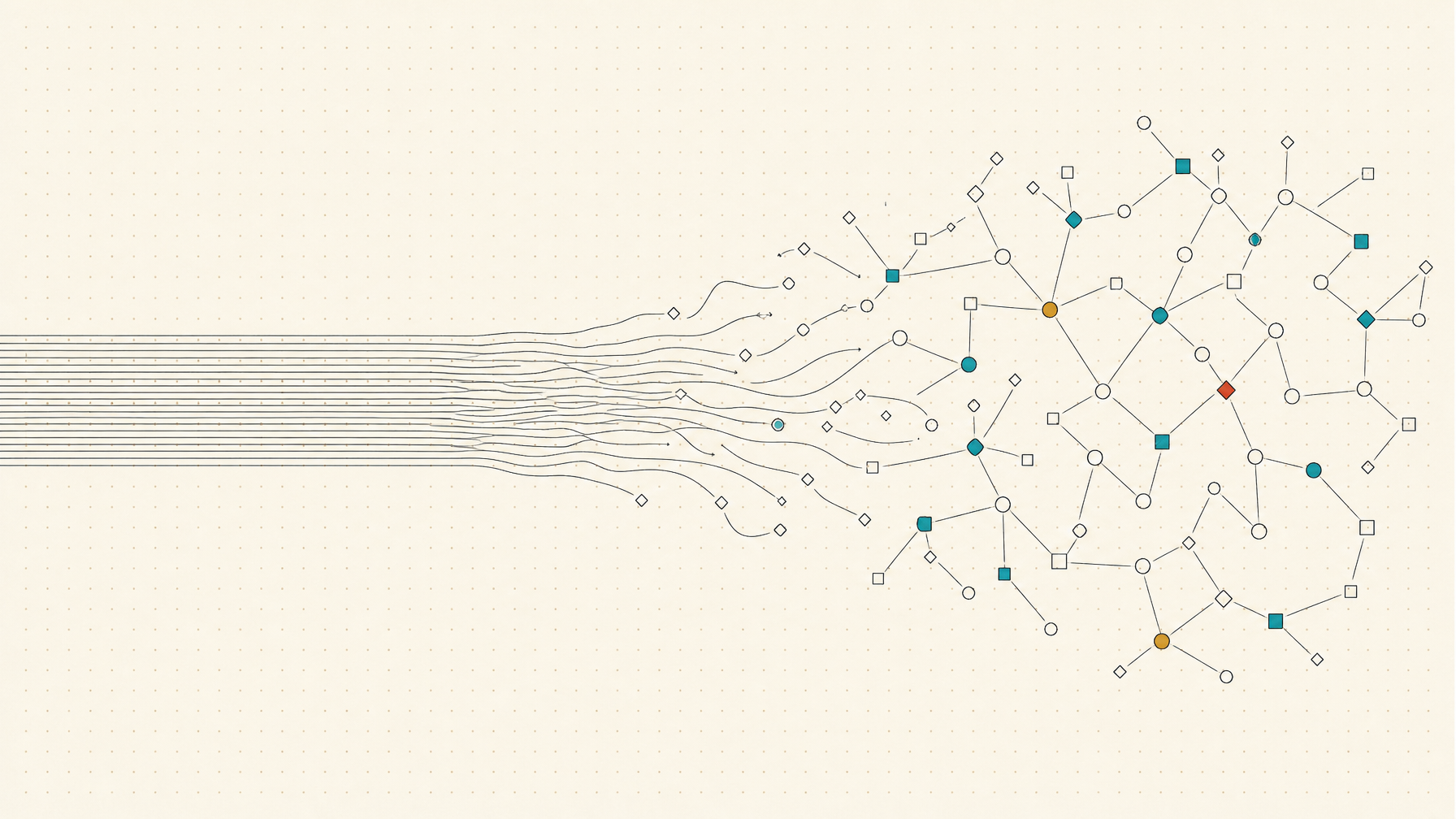
How to redesign artifact pages to capture the essence of a meeting. The synthesis: Granola's authored, source-linked, calm page + Dovetail's meeting-as-tagged-data-source + MeetMap's node-and-relationship graph — where essence = decision + rationale + owner + preserved verbatim moments, and every artifact is a pipeline head feeding tasks, decision logs, and the field rather than a flat document.
The Field, and Its One Design Darling
All the AI note-takers transcribe well enough now; the structural choices are what differ. Granola is the reference:
- Principle: "notes you took, enhanced." A split-screen editor styled like Apple Notes — you type sparse bullets during the call; they become the spine, which the model enriches
- Authorship color-coding: AI-written text renders gray beneath your own black text — authorship is never ambiguous
- Every AI bullet links to the exact transcript moment it came from — one-click audit
- Joins no call as a bot; "doesn't announce itself" — an explicitly calm-technology stance
- Granola 2.0: folder-level querying ("ask across all my meetings") with citations back to specific meetings and timestamps
- Known weakness: sharing friction — beautiful to hold, awkward to hand off. Directly relevant to us, since our artifacts must serve clients too
The contrast case: Fathom, repeatedly described as "soulless… stiff and formal." And the category-wide critique: summaries sit in a standalone app nobody returns to — the graveyard problem. Our advantage: artifacts live inside the client's field, not in a separate app.
What Good Artifacts Include Beyond a Summary
- Decisions registry — what was decided, why, who owns it, when to revisit
- Action items with owners — assigned to real people
- Key quotes with timestamp-linked playback — click a quote, hear the moment
- Chapters / topic segmentation, attendee context, follow-up drafts, highlight clips
The Page Itself: TL;DR-First, Transcript as Substrate
The winning hierarchy: scannable summary on top, evidence beneath, claims linked to moments. The transcript is the substrate you drill into, not the thing you read. Two primitives worth building:
- Human/AI authorship distinction — makes the artifact feel like our notes with AI in a supporting role
- Every claim is a link to its source moment — converts a passive document into an auditable, navigable object; users validate the AI in one click instead of distrusting the whole summary
The Reframe That Matters Most: Meeting as Data Source, Not Document
Research repositories (Dovetail, Condens, Grain) treat recordings as a searchable library of highlights and tags that accumulates value across sessions. The workflow: import → highlight key moments → tag consistently → synthesize into themes → every quote traces back to its session. The highlight becomes the first-class atomic object, and insights are aggregations of highlights across meetings.
This is exactly the Phase 4 ambition ("meeting automations enrich the field — nodes and relationships") applied to our own meetings. The artifact page is one view of highlight-objects; the field is another.
Beyond Documents: Meetings as Maps
MeetMap (CHI 2025, arXiv 2502.01564) is the key academic reference — real-time dialogue mapping that rejects the linear transcript because ideas don't emerge linearly:
- Nodes typed by IBIS notation — Questions, Ideas, Arguments (pro/con) — color-coded by speaker, with explicit links between nodes
- A Topic Timeline panel preserves chronology; users toggle between linear and map views
- Findings: users universally preferred concise nodes over the full transcript, and valued connecting ideas across agenda items
Related: TalkTraces (real-time verbal-content viz), NEREX (entity-relationship extraction into topic clusters), CogniGuide (auto mind-maps from transcripts). Common thread: moments as first-class objects; conversation as graph.
What Actually Captures "Essence"
- The durable unit is decision + rationale + owner + revisit-date — and practitioners agree the rationale is the most important field (context, alternatives considered, expected outcome). Engineering's ADR (Architectural Decision Record) practice is the proven template
- Disagreements surfaced, not smoothed — record the dissent
- Emotional temperature — what people remember is the dynamics, not just the logic. AI flattens this; the antidote is verbatim quotes anchored to playback, moments of laughter/tension kept as clips, and "what changed minds" surfaced explicitly. The two sentences people actually remember should be pulled forward as quotes, not paraphrased away
The Follow-Through Problem
Artifacts die when action items don't move. Circleback is the reference: auto-captured action items pushed via workflows — a Linear issue per detected request, meeting data written into Notion, CRM updates. Design lesson: the artifact is a pipeline head, not a terminus. For our n8n stack this maps directly: the artifact page is the human-readable node; n8n fans structured objects (decisions → decision log, tasks → ClickUp, entities → the field) out to destinations.
Redesign Direction for Our Artifact Pages
- Top: 2–3 sentence human-flavored summary + the one or two verbatim quotes that carry the meeting
- Decisions block: decision + rationale + owner + revisit date (ADR-style), each linked to its moment
- "What we need from you" / action items with owners — synced to ClickUp via n8n
- Moments strip: tagged highlights (agreement, tension, laughter, mind-changed) as first-class objects
- Transcript as substrate below, progressive disclosure
- Phase 4: the same highlight-objects render as nodes in the client's field, connected to tasks, people, and prior meetings
Related
- Collaboration OS Design Research — hub
- Spatial Interfaces for Work — the field these artifacts will enrich
- The Client Dashboard — artifacts as client-visible objects
- Collaboration OS Through the Pattern Language