Trace
Follows the pixels closely, gradients included. Best for logos, scans, flat illustration and prints.
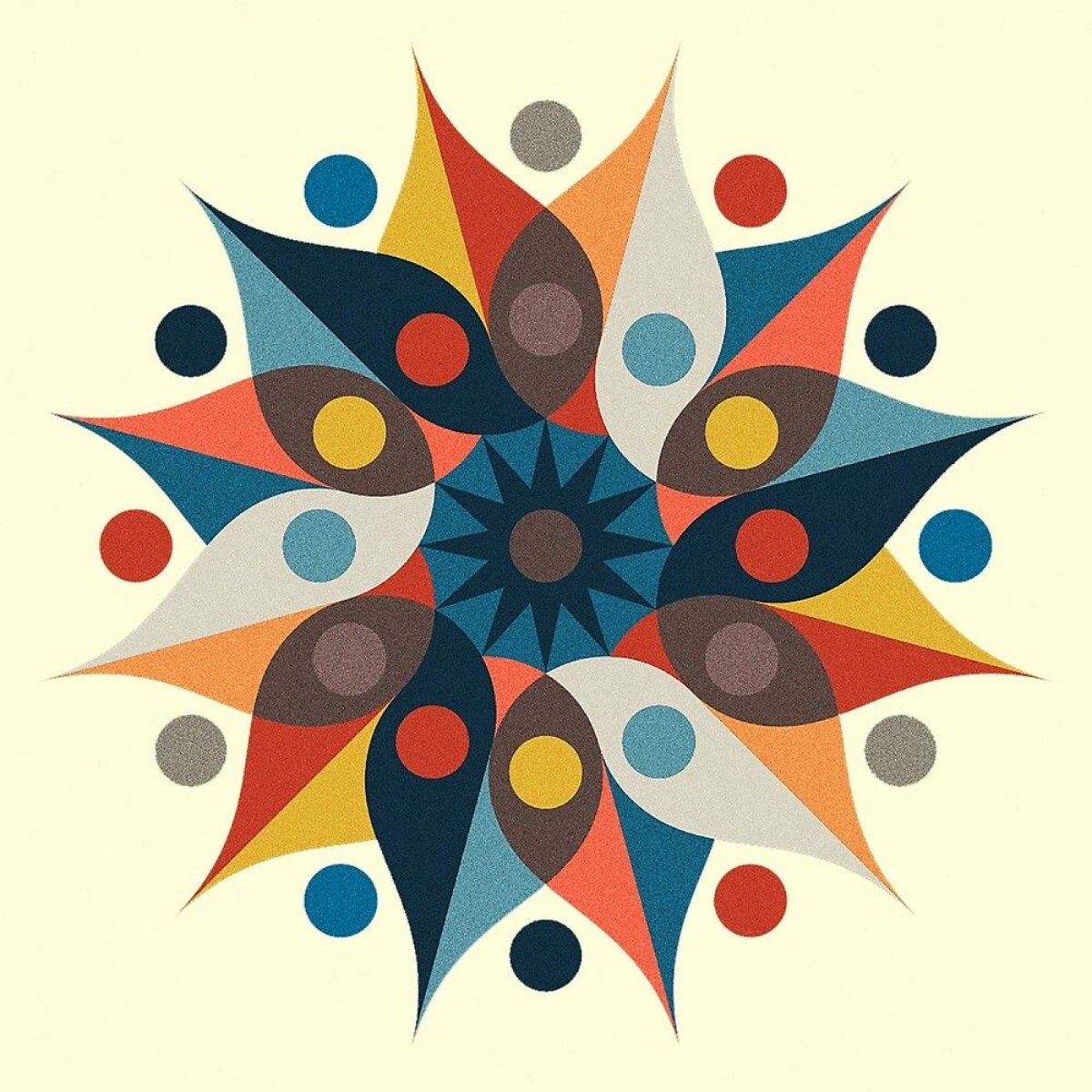
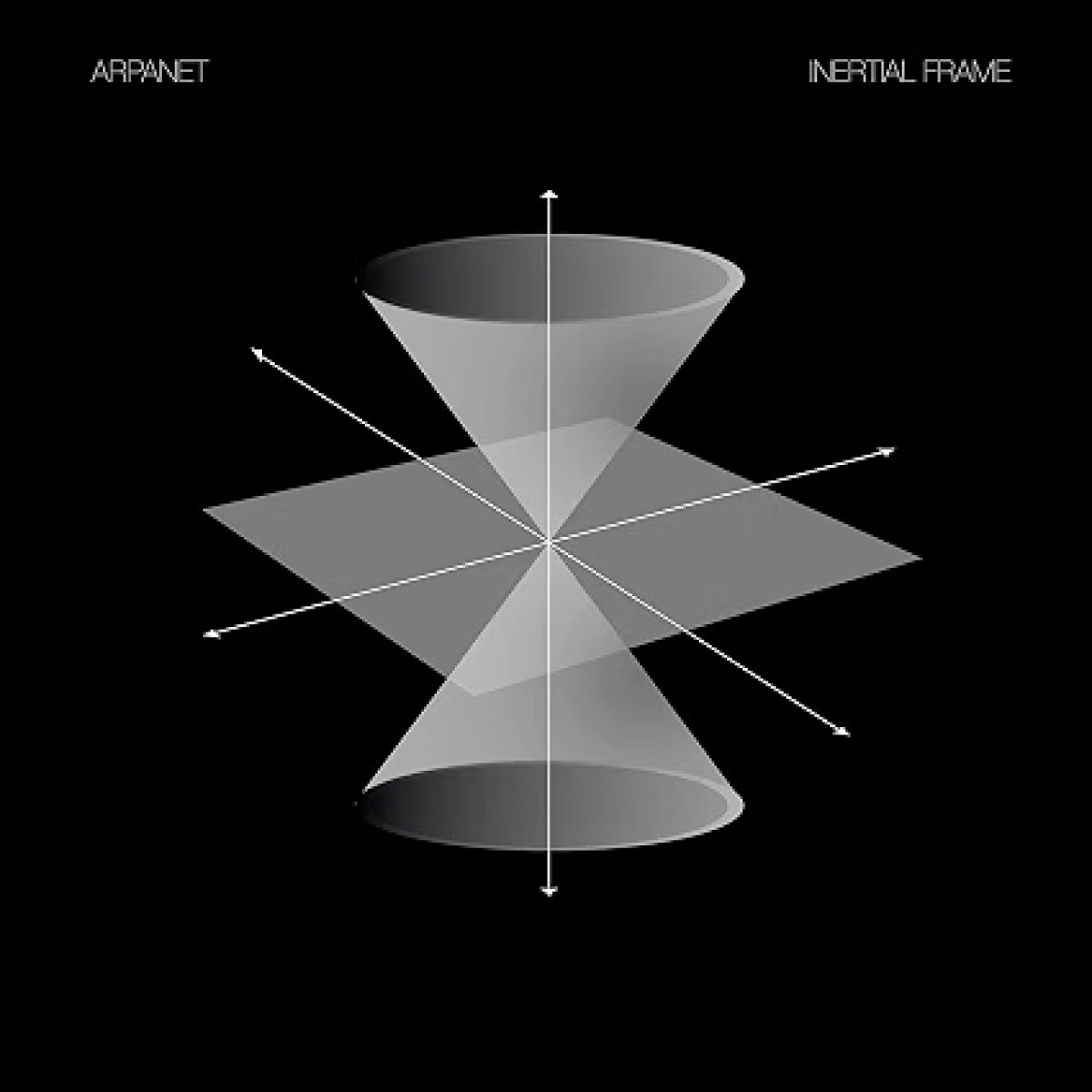
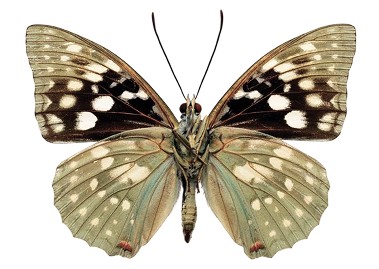
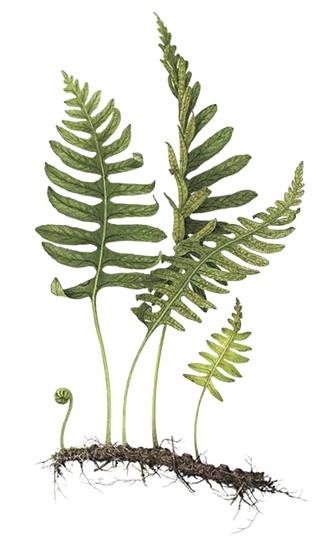
Vector Iris is a free panel for Illustrator and plugin for Figma that turns images and ideas into editable vectors with Quiver's Arrow models. Select an image, click Vectorize, and the result lands beside it at the same size.
Follows the pixels closely, gradients included. Best for logos, scans, flat illustration and prints.
Rebuilds an image from shapes and lines of its own, guided by your prompt. Best for photos, where a faithful trace would be a mess of tones.
Describe it and get new artwork, placed in the middle of your view. Select something first to use it as a style reference.
An outline of a dodecahedron, thin dotted lines for the hidden faces
An icon representing a solar punk city
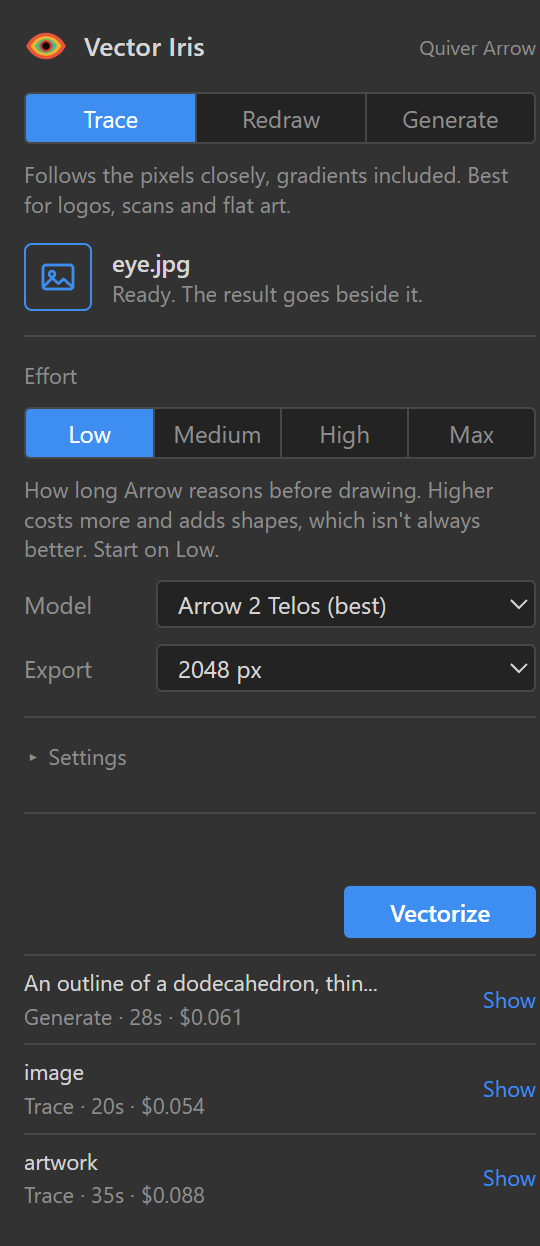
No upload site, no download folder, no re-placing files. Vector Iris is a panel next to your Layers and Swatches.
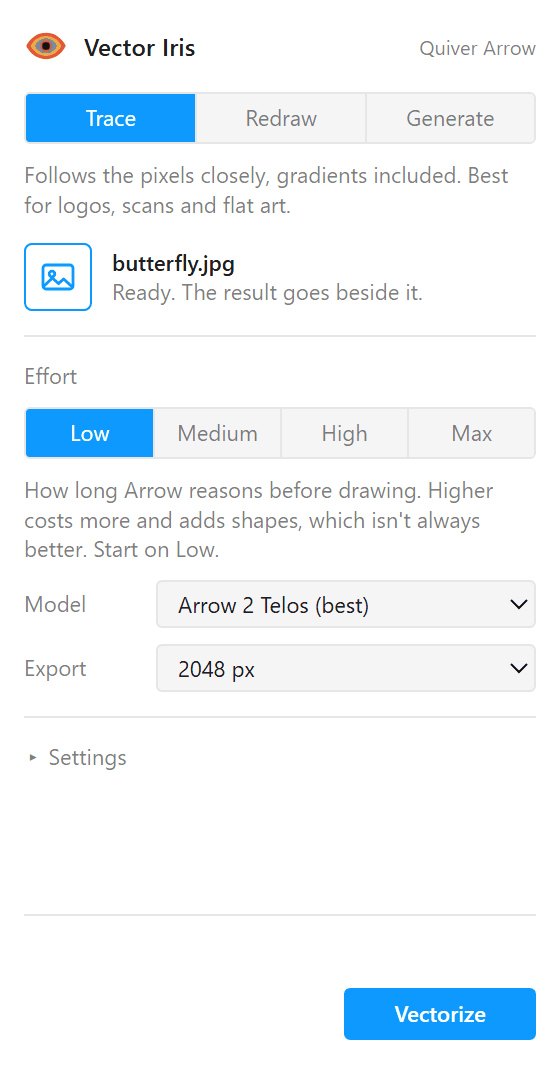
No upload site, no download folder, no re-importing. Vector Iris is a plugin that works right on your canvas.
Placed or embedded, cropped with a clipping mask or not. Only the visible area is sent, so you only pay for what you see.
An image, a frame, a group, anything visible. Masks and clipping are respected, so only what you see is sent.
Trace, Redraw or Generate. Start with Low effort on Arrow 2 Telos; on flat art it gave the best results in our tests.
In ten seconds to a few minutes the result lands beside the source at the same size, as an editable group. The SVG is saved to disk too.
In ten seconds to a few minutes the result lands beside the source at the same size, as an editable vector frame. The SVG is a click away in the history.
Vector Iris is free. The drawing is done by Quiver's API on your own account, prepaid from $10, and the panel shows what every run cost. From our tests on Arrow 2:
| Job | Time | Cost | Scale |
|---|---|---|---|
| Simple icon or logo, low effort | 10 to 35 s | about 3¢ | |
| Flat graphic or pattern, low effort | 30 to 75 s | 9 to 22¢ | |
| Photo, high effort | 3 to 4 min | 40 to 55¢ |
Bars drawn to scale, 0 to 55¢. Arrow 2 Telos costs about 50% more per token.
Effort is how long Arrow reasons before it draws. On the same image, Medium billed more than twice the tokens of Low: most of the extra was reasoning you never see, and the rest cut the image into more pieces. On flat art that means more seams, so start on Low.
SVG that comes back Reasoning, estimated from the gap
Bands that weave over and under each other are hard for any vectorizer: every crossing has to be cut. Three runs at different settings each got parts right, and all three still need cleanup by hand. The cheaper Telos run on Low beat the pricier Medium one. Better to know that before you spend.
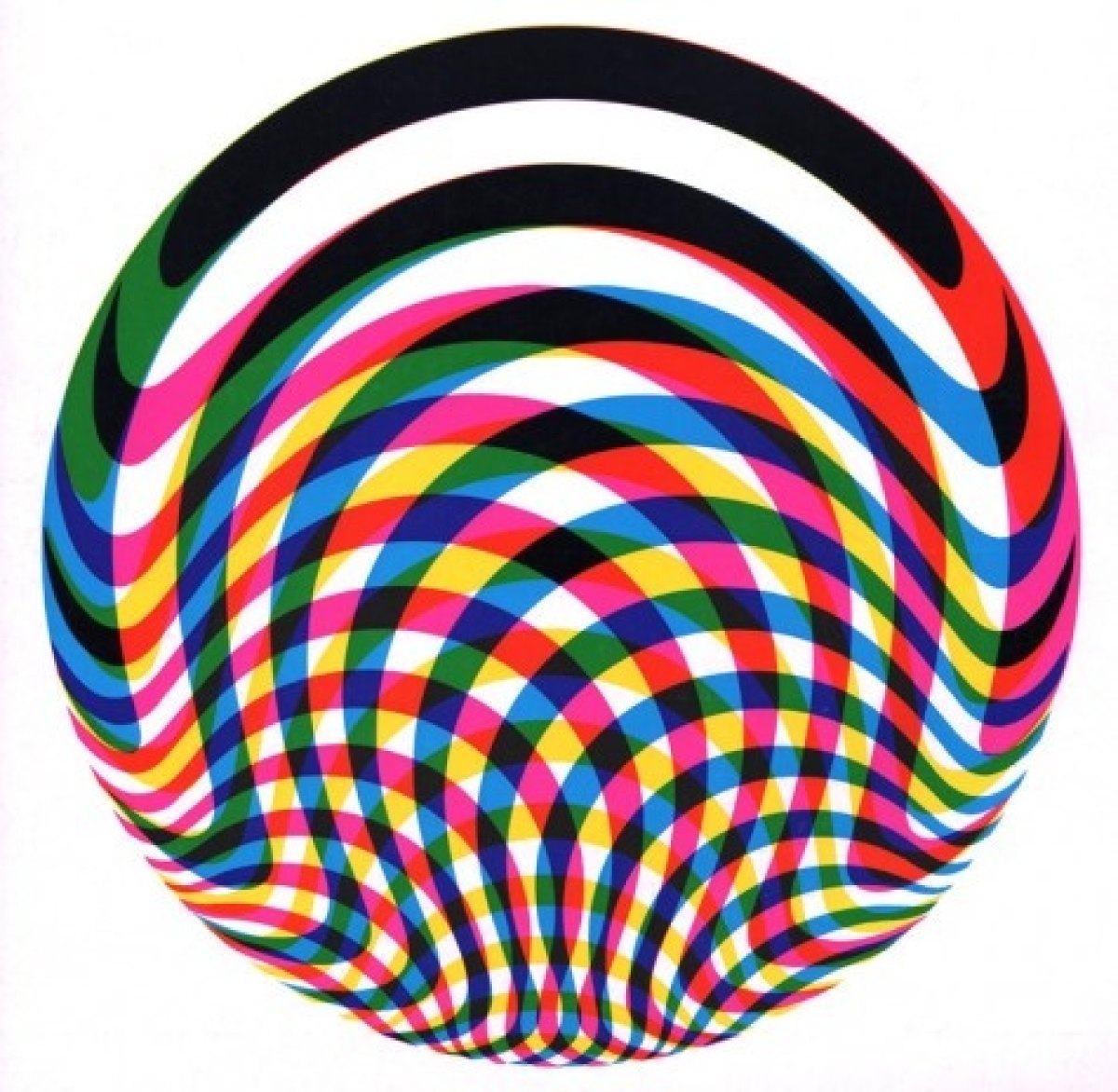
Unchained / Moonstruck cover, The Lucid Dream
The eye at the top of this page was vectorized with Vector Iris, then rebuilt as a live graphic in Weft, our node-based design tool. Clean paths are easy to take further. Move your pointer and it looks back.
install.cmd.bash and a space, drag in install.sh, press Return.figma/manifest.json.Privacy. Your key stays on your computer and is sent only to Quiver. The images and prompts you use go to Quiver's API for processing. Nothing goes to us, and there are no analytics.
Rights. Quiver's terms assign you the rights to what you generate, and limit their free tier to non-commercial use. You need the rights to the images you vectorize.
Why a script? Illustrator only loads panels from outside Adobe's marketplace with its debug setting on. The installer turns it on; the uninstaller can turn it off.
Coming to the Community. We're submitting Vector Iris as an official Figma plugin. Once it's approved, installing is one click from inside Figma.